 Bingo Cards
Computer Skills and Classroom Icebreaker Bingo Cards
View Bingo Cards → Download as-is, or customize
to fit your needs.
About:
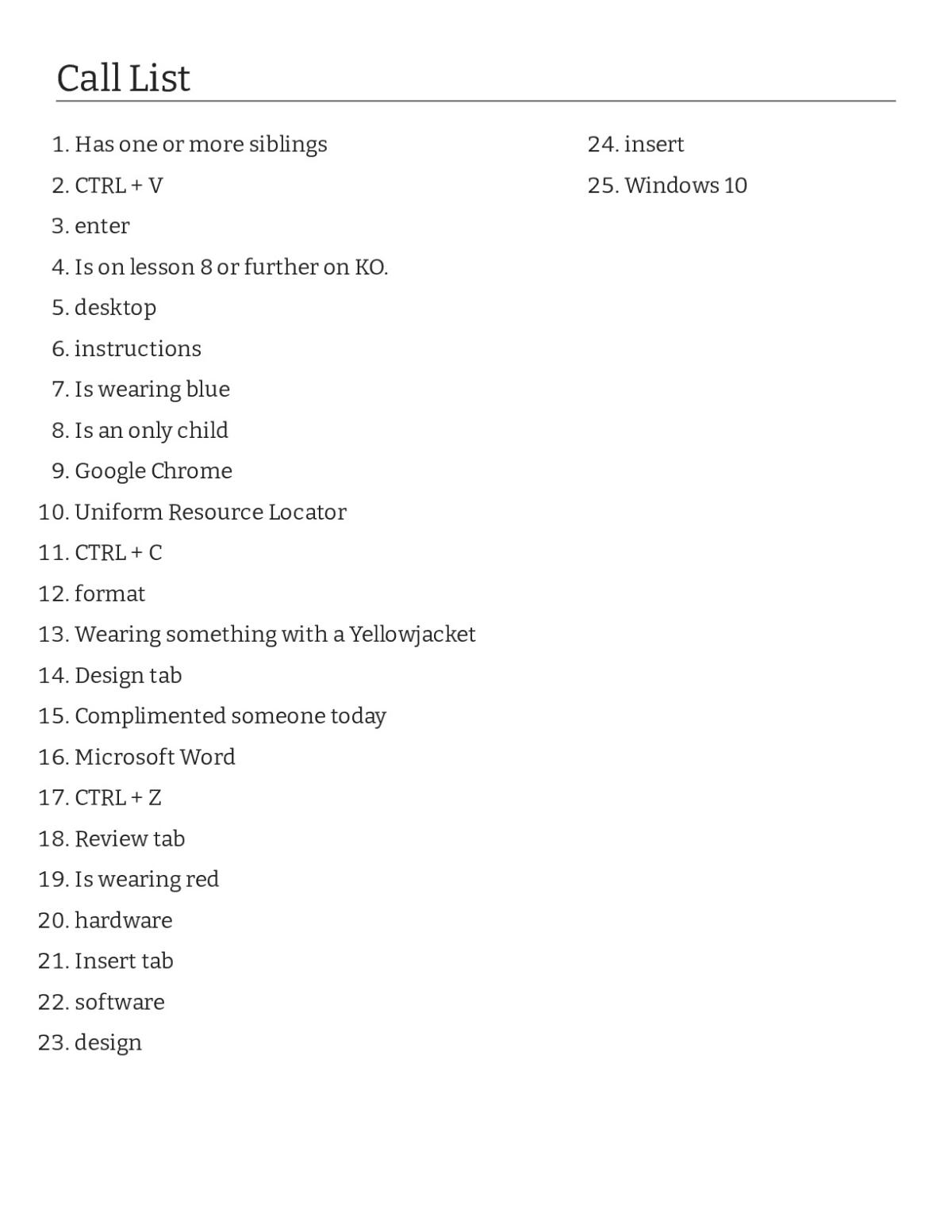
These bingo cards blend computer literacy and classroom icebreaker prompts for 7th Grade. The word list includes software and hardware terms (Google Chrome, Microsoft Word, desktop), keyboard shortcuts (CTRL+C, CTRL+V, CTRL+Z), and personal-interest prompts (is wearing red, is on lesson 8 or further on KO). Use them as a review tool for a unit on digital tools, or as an icebreaker activity to help students learn about each other.
Word List
- hardware
- insert
- design
- enter
- instructions
- software
- Google Chrome
- Microsoft Word
- format
- Uniform Resource Locator
- desktop
- CTRL + C
- CTRL + V
- CTRL + Z
- Windows 10
- Insert tab
- Design tab
- Review tab
- Is an only child
- Is wearing red
- Is wearing blue
- Has one or more siblings
- Wearing something with a Yellowjacket
- Complimented someone today
- Is on lesson 8 or further on KO.
How to Use This Bingo Cards
Print a class set of unique bingo cards for classroom games, review sessions, or parties. Click 'View Bingo Cards' to choose how many cards to generate and customize the word list.
Related Activities


Browse More Activities
- View all 7th Grade Computer Science Bingo Cards
- View all 7th Grade Computer Science Activities
- View all 7th Grade Science Bingo Cards
- View all 7th Grade Bingo Cards
- View all 7th Grade Science Activities
- View all Middle School Computer Science Bingo Cards
- View all Middle School Science Bingo Cards
- View all Middle School Science Activities
- View all 7th Grade Activities
- View all Middle School Bingo Cards
- View all Science Bingo Cards
- View all Bingo Cards